
How BuddyButton works
Three simple features that work together to make sure your family is never without help.
Step 1
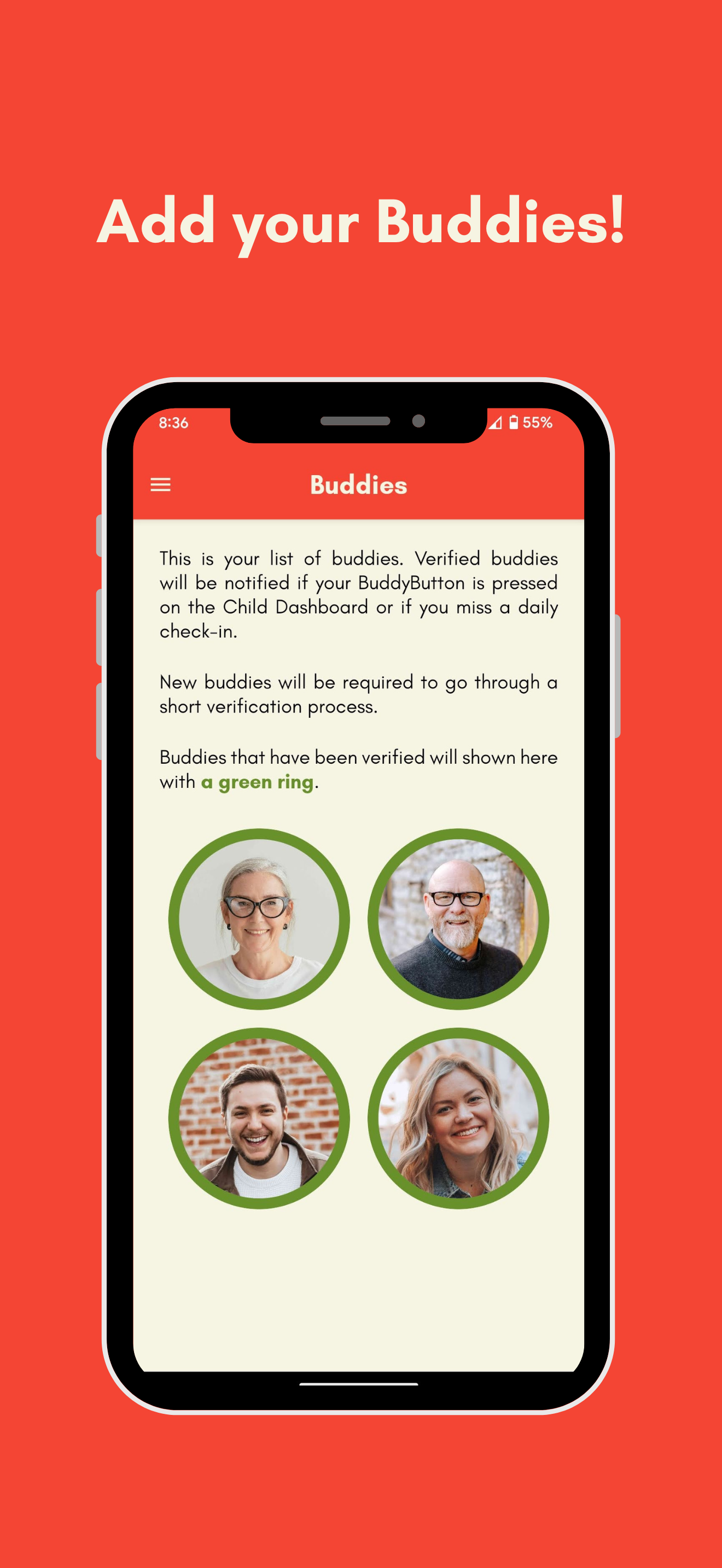
Add your Buddies
Buddies are the trusted people in your life. Family members, close friends or neighbours. When you set up BuddyButton, you invite them to join your safety circle.
If something goes wrong, your Buddies will receive a push notification instantly, so they can act fast.
Life is unpredictable. Buddies can be asleep, travelling, or unavailable. Add as many Buddies as you need so that someone will always be available to help.
Step 2
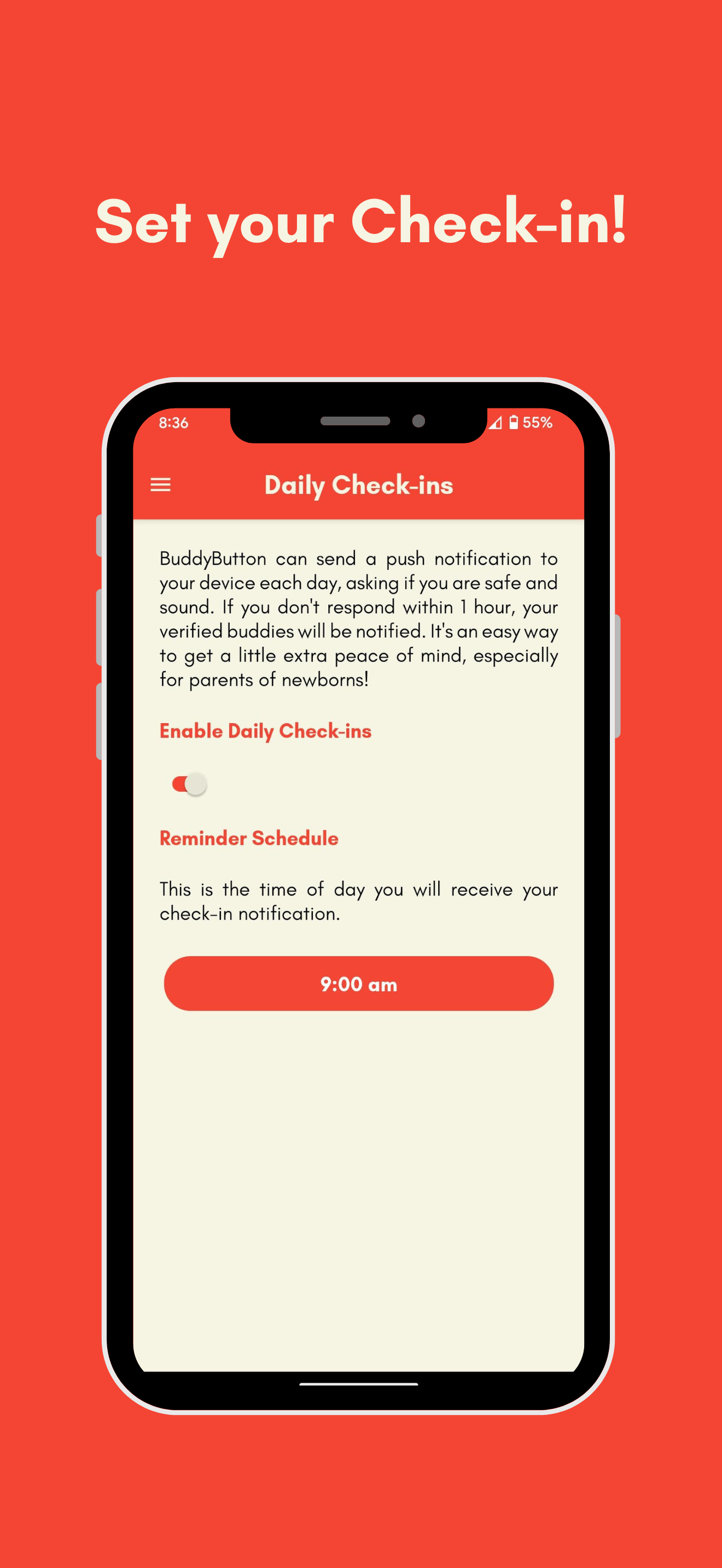
Set your Daily Check-in
Each day, BuddyButton sends you a Check-in Reminder at a time convenient to you and your family. You just tap to confirm you're okay, it takes seconds.
If you don't respond to the Check-in Reminder within 1 hour, BuddyButton automatically notifies all of your Buddies. They'll know something may be wrong and can help.
It's the kind of quiet safety net most families never think about, until they need it.
Step 3 (optional)
Set up the Child Dashboard
For children old enough to recognise an emergency and interact with technology, the Child Dashboard turns a tablet into a simple, locked-down help screen.
It shows the faces of your Buddies and one big, red button. If your child ever needs help, they press it. Buddies are notified instantly, and your child can see who is on their way to help.
No passwords. No confusing menus. Just help, right there when it's needed.

Ready to set up your family's safety net?
It's free to download and takes a few minutes to set up.